JSON Formatter & Validator
Format, validate, and beautify your JSON data with our free online tool
Features
JSON Formatting
Beautify your JSON with proper indentation and line breaks for better readability.
Validation
Check your JSON for syntax errors and get detailed error messages with line numbers.
Minification
Remove all unnecessary whitespace to reduce JSON size for efficient data transfer.
Elevate Your Data-The Ultimate JSON Formatter & Validator by PDFians
In today’s data-driven world, JSON (JavaScript Object Notation) has become the ubiquitous standard for transmitting data between servers and web applications. From APIs to configuration files, its lightweight, human-readable format makes it indispensable for developers. However, even seasoned professionals can encounter issues with malformed or unformatted JSON, leading to frustrating debugging sessions. This is precisely where PDFians’ JSON Formatter & Validator tool comes into play, offering an indispensable solution to streamline your workflow and ensure data integrity.
Understanding the Importance of Well-Formatted JSON
Well-structured JSON is not merely about aesthetics; it’s fundamental for efficient data processing and debugging. Unformatted JSON, often a single, long string of characters, is nearly impossible to read and comprehend. When you’re dealing with complex data structures, this lack of readability can significantly hinder development and troubleshooting. Furthermore, syntax errors, even minor ones, can cause entire applications to fail. Therefore, having a reliable method to format and validate your JSON is paramount for any developer or data professional.
Why JSON Formatting Matters for Developers
For developers, time is a precious commodity. Struggling with unreadable JSON means spending more time deciphering data rather than building features. A properly formatted JSON structure, complete with indentation and line breaks, allows for quick visual scanning, making it easier to identify specific data points or potential issues. Consider, for example, debugging an API response; if the JSON is poorly formatted, pinpointing the source of an error can become an arduous task. This highlights the critical role of a good JSON Formatter & Validator.
Introducing PDFians’ JSON Formatter & Validator Tool
PDFians is proud to present its intuitive and robust JSON Formatter & Validator tool, designed to simplify your JSON handling experience. This powerful online utility provides a seamless way to transform minified or messy JSON into a beautifully organized and readable format. Moreover, it rigorously checks your JSON for any syntax errors, offering immediate feedback to help you rectify issues promptly. Our tool is engineered for efficiency, ensuring that your data is always perfectly structured and valid.
Key Features of Our JSON Formatting Tool include:
Customizable indentation options (tabs or spaces, definable levels).
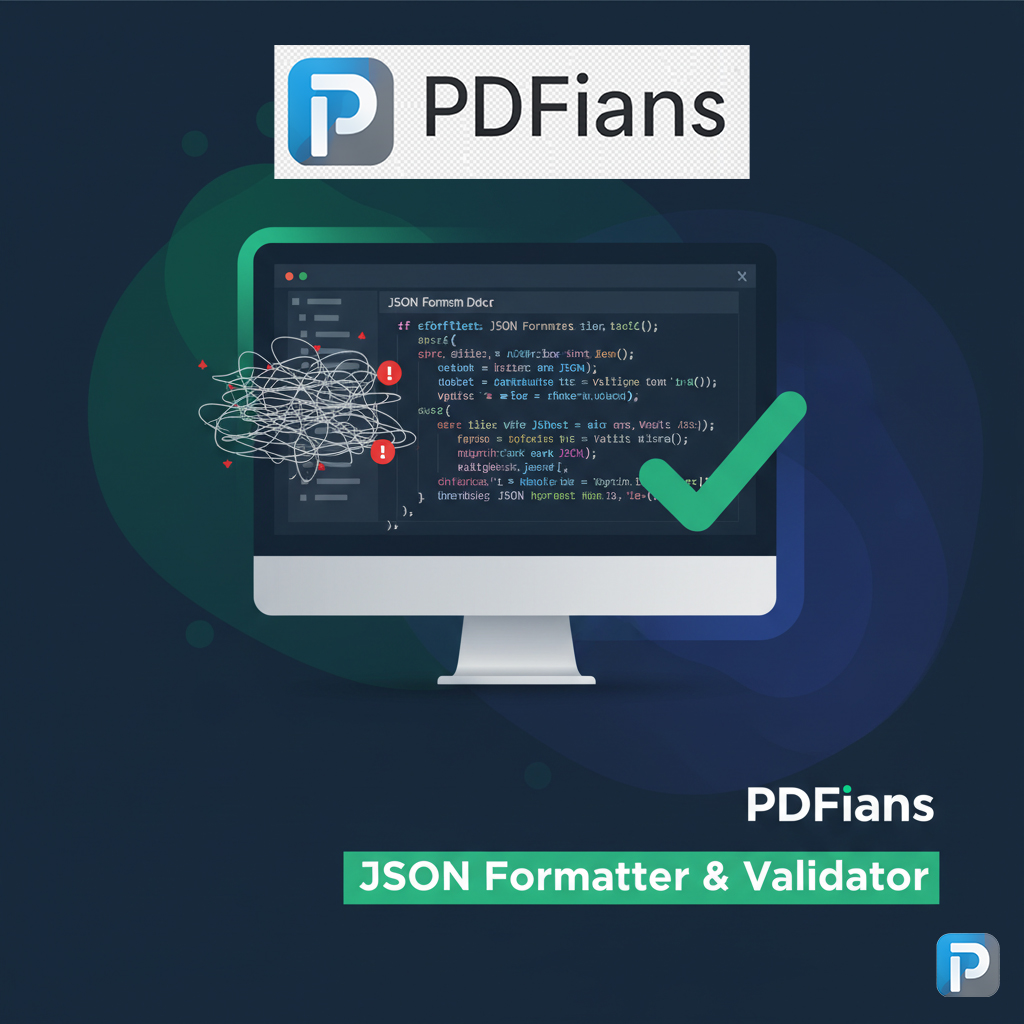
Real-time error detection, highlighting syntax errors as you type or paste.
Support for various JSON structures, from simple objects to complex nested arrays.
Minification feature to reduce file size.
Tree view for easy navigation of complex JSON structures.
How to Use the PDFians JSON Formatter & Validator
Utilizing our JSON Formatter & Validator is incredibly straightforward. Simply navigate to the tool page on PDFians.com. There, you’ll find a text area where you can paste your raw JSON data. Once pasted, click the “Format” button to instantly reformat your JSON into a clean, readable structure. Should your JSON contain any syntax errors, the validator will immediately identify them, providing clear messages to guide you in correcting the issues. Finally, you can easily copy the formatted or validated JSON to your clipboard for further use.
Step-by-Step Guide to Validating JSON
Validating your JSON involves a few simple steps. First, ensure your JSON data is complete and accurately represents your intended structure. Then, paste it into our tool. The validator will automatically scan for common errors such as missing commas, incorrect bracket usage, or unquoted keys. If errors are detected, the tool will pinpoint the exact line and character where the problem lies, making debugging a breeze. This proactive error detection is a hallmark of our JSON Formatter & Validator.
Benefits of Using an Online JSON Formatter & Validator
Opting for an online JSON Formatter & Validator like PDFians’ offers numerous advantages. There’s no software to install, making it accessible from any device with an internet connection. This convenience is particularly beneficial for developers who work across different environments or on the go. Moreover, online tools are regularly updated, ensuring you always have access to the latest features and bug fixes. You can also explore our other useful tools, such as the PDF to Word Converter for document transformations.
Ensuring Data Integrity with JSON Validation
Beyond just readability, ensuring the integrity of your JSON data is critical, especially when working with APIs or databases. An invalid JSON payload can lead to application crashes, data corruption, or security vulnerabilities. Our JSON Formatter & Validator acts as a crucial safeguard, verifying that your JSON adheres to strict syntax rules, thus preventing potential downstream issues. Regularly validating your JSON is a best practice that can save countless hours of debugging. For those working with various data formats, maintaining consistent data quality across all platforms is essential.
Comparing PDFians’ JSON Tool with Other Solutions
While many online JSON tools exist, PDFians’ JSON Formatter & Validator stands out due to its user-friendly interface, robust validation engine, and commitment to data privacy. Many generic tools might offer basic formatting, but our solution goes further by providing detailed error reporting and customizable formatting options. We prioritize performance, ensuring quick processing even for large JSON files. Furthermore, as part of the PDFians suite, it integrates seamlessly with our other document and data management tools. For converting various document types, our Image to PDF Converter is another excellent resource.
Advanced Features for Power Users
Our JSON Formatter & Validator also includes features designed for power users. This includes options to minify JSON, removing all unnecessary whitespace to reduce file size, which is especially useful for optimizing API responses. Additionally, it offers a tree view for complex JSON structures, allowing you to collapse and expand nodes for easier navigation. These advanced functionalities make our tool versatile enough for both beginners and experienced developers. Ultimately, whether you’re a novice or an expert, you’ll find our tool highly beneficial.
Future Enhancements to the JSON Formatter & Validator
We are continuously working to improve the JSON Formatter & Validator based on user feedback and evolving industry standards. Future enhancements may include support for JSON Schema validation, offering even more rigorous data structure checking. We also plan to integrate more interactive visualizations of JSON data, making it even easier to understand complex payloads. Our goal is to make PDFians the go-to platform for all your JSON and document-related needs, fostering a complete digital workspace. Keep an eye on our blog for updates and new feature announcements.
Conclusion: Your Go-To Tool for Perfect JSON
In conclusion, the PDFians JSON Formatter & Validator is an indispensable tool for anyone working with JSON data. It transforms messy, unreadable JSON into a clear, structured format, and more importantly, it ensures the syntax is absolutely correct, preventing common errors that can derail development. By using our tool, you save valuable time, enhance code readability, and maintain data integrity. We invite you to experience the efficiency and reliability of our JSON Formatter & Validator today and make your JSON handling a breeze. Check out our main site for more information on our full range of services at PDFians.com.
Frequently Asked Questions (Q&A)
Q1: What is JSON, and why is it important for web development?
A1: JSON (JavaScript Object Notation) is a lightweight data-interchange format. It’s crucial for web development because it provides a human-readable way to transmit data objects consisting of attribute–value pairs and array data types. Consequently, it’s widely used for API responses and configuration files.
Q2: How does the PDFians JSON Formatter & Validator help me?
A2: The PDFians JSON Formatter & Validator helps by taking unformatted or minified JSON and presenting it in a clean, indented, and readable structure. Moreover, it actively identifies and highlights any syntax errors, making it easier for you to correct them and ensure your JSON is valid.
Q3: Is the JSON Formatter & Validator tool free to use?
A3: Yes, the PDFians JSON Formatter & Validator tool is completely free to use. We believe in providing essential tools to the community to enhance productivity and streamline workflows.
Q4: Can I use this tool for large JSON files?
A4: Our tool is optimized to handle a wide range of JSON file sizes. While extremely large files might take slightly longer to process, it is generally efficient for common use cases. We continuously work to improve performance.
Q5: Does the tool store my JSON data?
A5: No, for your privacy and security, the PDFians JSON Formatter & Validator tool does not store any of your JSON data. All processing happens on the client side or is instantly discarded after formatting/validation.
Q6: What types of errors does the JSON validator detect?
A6: The validator detects common JSON syntax errors such as missing commas between key-value pairs, incorrect bracket or brace usage, unquoted string keys, and invalid data types. It provides specific error messages to guide your corrections.
Q7: Can I customize the formatting style, like indentation?
A7: Yes, our JSON Formatter & Validator offers options to customize the formatting style, including choosing between tabs or spaces for indentation and setting the number of spaces for each indent level. This allows you to tailor the output to your preferred coding style.