CSV to JSON Converter
Paste your CSV data or upload a file to convert it to JSON format instantly
CSV Input
JSON Output
CSV Preview
CSV preview will appear here...
How to Use the CSV to JSON Converter
1. Paste or Upload CSV
Paste your CSV data directly or upload a CSV file from your device.
2. Configure Options
Choose whether the first row contains headers and if you want minified JSON.
3. Copy or Download
Copy the converted JSON to clipboard or download it as a file.
This tool is provided by PDFians.com - your source for PDF tools and resources.
CSV to JSON Converter-Your Essential Data Transformation
Unlock Data Potential with Seamless CSV to JSON Conversion
In today’s data-driven world, efficiently managing and transforming data is paramount. You might often encounter data stored in Comma Separated Values (CSV) format, which is excellent for tabular data. However, for web applications, APIs, and many programming languages, JavaScript Object Notation (JSON) is the preferred format due to its hierarchical structure and readability. Therefore, a reliable CSV to JSON converter becomes an indispensable tool. This article delves into the benefits of converting CSV to JSON and introduces PDFians’ intuitive online converter, designed to streamline your workflow.
Why Convert CSV to JSON? Understanding the Advantages
JSON offers significant advantages over CSV, especially when dealing with complex data structures or when data needs to be easily consumed by web services. Firstly, JSON is a self-describing format, meaning it’s easy for humans to read and write, and easy for machines to parse and generate. Unlike CSV, which is essentially a plain text file, JSON supports nested data, allowing you to represent objects within objects, which is crucial for modern applications.
Furthermore, most programming languages have built-in functions or libraries to parse and generate JSON, making integration much simpler. When building APIs, JSON is the de facto standard for data exchange due to its lightweight nature and flexibility. For instance, if you’re working with a dataset from a spreadsheet but need to display it dynamically on a website or send it to a mobile app, converting it to JSON is almost always the best approach. This conversion process significantly enhances data portability and interoperability.
The Role of CSV in Data Storage
CSV files are ubiquitous for storing tabular data. They are simple, lightweight, and universally supported by spreadsheet programs and databases. Many data export functionalities from various systems, like financial reports or customer lists, often output in CSV format. This simplicity, however, comes with limitations. As mentioned, CSV struggles with complex relationships and nested data. While excellent for flat data, its linearity can be a hurdle for modern web development. Consequently, the need for a robust CSV to JSON converter arises frequently for developers and data analysts alike.
Introducing PDFians’ Free Online CSV to JSON Converter
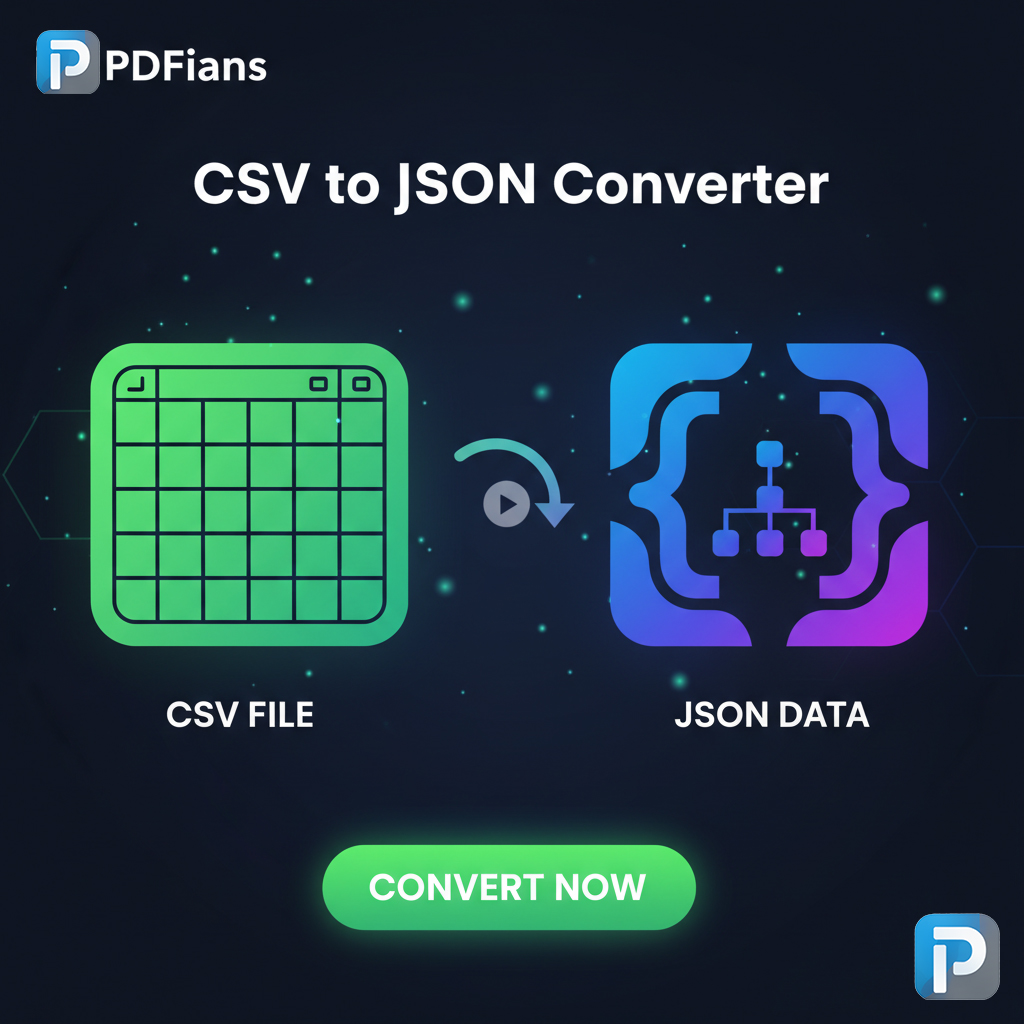
PDFians understands the critical need for efficient data manipulation. That’s why we’ve developed a powerful, free online CSV to JSON converter that simplifies your data transformation tasks. Our tool is designed with user-friendliness and efficiency in mind, ensuring a smooth experience from start to finish. You no longer need to write complex scripts or download specialized software; simply upload your CSV file, and our converter will handle the rest, delivering clean, valid JSON output in moments.
Using our converter is straightforward. You just need to visit our dedicated tool page, upload your CSV file, and click the “Convert” button. The process is quick and hassle-free. We prioritize data security, ensuring that your uploaded files are processed securely and your privacy is maintained throughout the conversion. Whether you’re a developer, a data analyst, or just someone who needs to transform data for a project, our CSV to JSON converter is an invaluable resource.
Key Features of PDFians’ CSV to JSON Online Tool
Our CSV to JSON converter boasts several features that set it apart. Firstly, it offers a user-friendly interface, making it accessible even for those with limited technical expertise. Secondly, the conversion process is incredibly fast, allowing you to handle large files without significant delays. Furthermore, our tool ensures accurate data mapping, correctly interpreting your CSV headers as JSON keys and maintaining data integrity. You can easily copy the converted JSON output or download it as a .json file. This flexibility ensures that you can integrate the transformed data into your projects seamlessly. Indeed, our platform is designed to support a wide array of data transformation needs, not just limited to CSV to JSON.
Step-by-Step Guide to Using the CSV to JSON Converter
Converting your data with PDFians’ tool is exceptionally simple. First, navigate to the CSV to JSON Converter page on our website. You will see an intuitive interface designed for ease of use. Next, locate the upload area and either drag and drop your CSV file or click to browse and select it from your local storage. Once your file is uploaded, the tool will quickly process it. Finally, the converted JSON data will be displayed on your screen, ready for you to copy or download. Moreover, should you require further data manipulation, PDFians offers various other tools, such as our PDF Merger or PDF to Word Converter, to assist you.
Best Practices for CSV to JSON Conversion
To ensure the best results when using any CSV to JSON converter, consider these best practices. Always ensure your CSV file has consistent delimiters (usually commas) and that text fields are properly quoted if they contain the delimiter character. Headers in your CSV file will become the keys in your JSON objects, so make them descriptive and free of special characters. Furthermore, for very large CSV files, you might consider splitting them into smaller chunks before conversion, although PDFians’ tool is optimized for efficiency. Adhering to these guidelines will help you achieve clean and error-free JSON output, which is crucial for subsequent data processing.
Common Use Cases for CSV to JSON Transformation
The applications of converting CSV to JSON are vast and varied. For web developers, it’s essential when populating dynamic web pages with data fetched from backend systems. Consider an e-commerce site displaying product listings; data stored in CSV might be converted to JSON for easier rendering. Data analysts often use this conversion for preparing data for machine learning models or for consumption by data visualization libraries that prefer JSON. Additionally, when migrating data between different systems or databases, the flexibility of JSON makes it an excellent intermediate format. Consequently, understanding how to effectively use a CSV to JSON converter is a valuable skill for anyone working with data.
Enhancing API Interactions with JSON
APIs (Application Programming Interfaces) are the backbone of modern web applications, facilitating communication between different software systems. Overwhelmingly, APIs use JSON as their primary data interchange format. When you need to send data from a CSV source to an API, converting it to JSON is a prerequisite. This ensures that the API can correctly parse and interpret the data, enabling seamless integration. Therefore, a reliable CSV to JSON converter plays a pivotal role in developing robust and interconnected applications, allowing developers to consume and produce data in a universally accepted format.
Security and Privacy Considerations with Online Tools
When using any online tool, especially for data conversion, security and privacy are legitimate concerns. At PDFians, we prioritize the protection of your data. Our CSV to JSON converter operates with robust security measures to ensure that your files are handled confidentially. We do not store your uploaded files on our servers for extended periods after conversion. Moreover, all data transfers are encrypted, safeguarding your information from unauthorized access. You can confidently use our tool knowing that your privacy is respected and your data remains secure throughout the conversion process. We continuously update our systems to adhere to the latest security protocols.
Why Trust PDFians for Your Data Conversion Needs?
PDFians is committed to providing high-quality, free online tools that simplify complex tasks. Our reputation is built on reliability, user-friendliness, and a strong focus on data security. Whether you’re converting CSV to JSON, merging PDFs, or splitting documents, you can expect a consistent and efficient experience. We understand the challenges of digital document and data management, and our tools are crafted to address these challenges head-on. Furthermore, our dedicated support team is always ready to assist you should you encounter any issues or have questions about our services. Choose PDFians for a dependable and secure online data transformation solution.
Conclusion: Empower Your Data with PDFians
In conclusion, the ability to effortlessly transform data from CSV to JSON format is crucial in today’s digital landscape. Our free online CSV to JSON converter at PDFians provides a powerful, secure, and intuitive solution for this common data challenge. By converting your tabular data into a structured, readable, and widely compatible JSON format, you unlock new possibilities for web development, data analysis, and API integration. We encourage you to try our tool and experience the simplicity and efficiency it brings to your data transformation workflow. Visit PDFians today and take control of your data with ease!
Q&A’s Section
Q1: What is a CSV to JSON converter?
A1: A CSV to JSON converter is an online tool or software that transforms data from a Comma Separated Values (CSV) file format into JavaScript Object Notation (JSON) format. This allows for easier parsing and usage in web applications, APIs, and other programming contexts.
Q2: Is the PDFians CSV to JSON converter free to use?
A2: Yes, absolutely! The PDFians CSV to JSON converter is completely free to use, without any hidden costs or subscriptions. You can convert as many files as you need.
Q3: Is my data safe when using the PDFians online converter?
A3: Yes, your data’s security and privacy are our top priorities. We employ robust encryption for data transfer, and uploaded files are not stored on our servers for extended periods after conversion.
Q4: What are the benefits of converting CSV to JSON?
A4: Converting CSV to JSON offers several benefits, including better readability for complex data, easier integration with web applications and APIs, and support for nested data structures which CSV lacks.
Q5: Can I convert large CSV files using this tool?
A5: Our CSV to JSON converter is optimized for efficiency and can handle reasonably large CSV files. However, for extremely massive files, breaking them into smaller parts might improve performance.
Q6: How long does the conversion process take?
A6: The conversion process is generally very fast. For most files, it takes only a few seconds to transform your CSV data into JSON format.
Q7: Do I need any technical knowledge to use the converter?
A7: Not at all! The PDFians CSV to JSON converter is designed with a user-friendly interface, making it accessible for everyone, regardless of their technical expertise. Simply upload your file and convert.