Markdown Previewer
Type your Markdown on the left and see the rendered HTML in real-time on the right
Editor
Preview
Markdown Cheat Sheet
Headers
# H1, ## H2, ### H3
Emphasis
**bold**, *italic*, ~~strikethrough~~
Lists
1. Ordered, - Unordered
Links
[Text](URL)
This tool is provided by PDFians.com - your source for PDF tools and resources.
Enhance Your Workflow with the Online Markdown Previewer
Markdown has revolutionized the way we write for the web. This lightweight markup language allows you to format text using a simple, intuitive syntax, making it incredibly popular among developers, writers, and content creators. Whether you’re drafting a README file for your latest project, composing a blog post, or preparing documentation, Markdown offers a clean and efficient way to structure your content. However, the true power of Markdown often comes from being able to visualize your work as you create it. This is precisely where a robust online Markdown previewer becomes an indispensable tool. PDFians is proud to present its free and efficient Markdown Previewer, designed to streamline your writing process.
What is Markdown and Why Use a Markdown Previewer?
Markdown is a plain text formatting syntax created by John Gruber and Aaron Swartz in 2004. Its core design philosophy is to be as readable and “as-is” as possible, even without being rendered into HTML. For instance, using *italic* for italicized text or **bold** for bold text is intuitive. Despite its simplicity, seeing your Markdown transform into its final HTML output in real-time significantly enhances the writing experience.
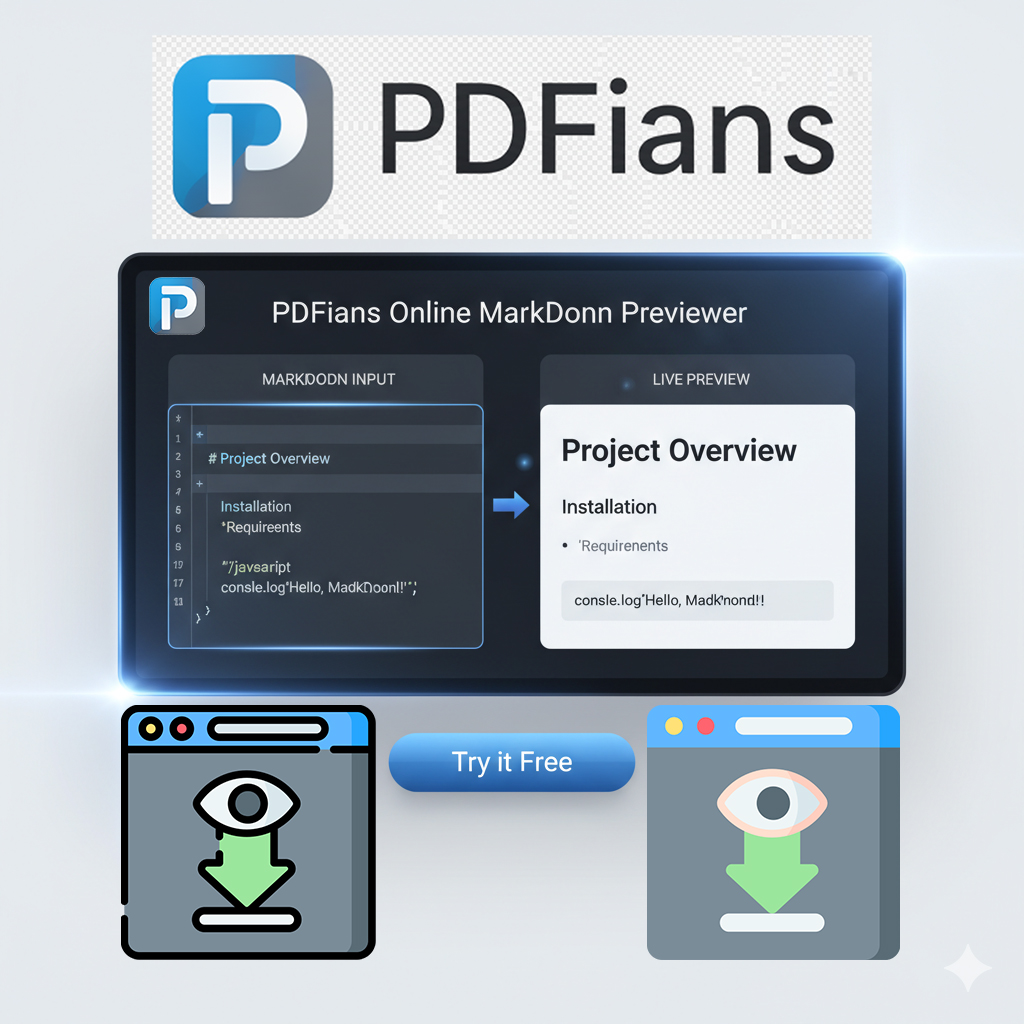
A reliable online Markdown previewer provides a dual-pane interface: one side for your raw Markdown text and the other for the live, rendered HTML. This immediate feedback loop allows you to catch formatting errors, refine your presentation, and ensure your document looks exactly as intended before publishing or sharing. Without a previewer, you would typically need to compile or convert your Markdown file, open it in a browser, and then repeat the process for every minor change. Our Markdown previewer eliminates these cumbersome steps, saving you valuable time and effort.
Real-time Rendering for Flawless Documents
The PDFians online Markdown previewer boasts real-time rendering capabilities, a feature crucial for efficient document creation. As you type or paste your Markdown text into the editor pane, the corresponding HTML output instantly updates in the preview pane. This continuous synchronization ensures that you always have an accurate representation of your final document. Imagine trying to format a complex table or embed an image without seeing the results immediately; it would be a frustrating trial-and-error process.
Furthermore, this real-time feedback is invaluable for learning Markdown. New users can experiment with different syntax elements and instantly observe their effects, accelerating their understanding and proficiency. Even seasoned Markdown users benefit from this feature, as it helps prevent subtle formatting mistakes that might otherwise go unnoticed until much later in the workflow. For more insights into Markdown syntax, you might find resources like the Markdown Guide helpful.
Key Features of the PDFians Online Markdown Previewer
Our Markdown previewer is designed with user convenience and efficiency in mind, offering a suite of features that cater to both beginners and advanced users. One of its standout attributes is its simplicity. The interface is clean and uncluttered, allowing you to focus purely on your content. There are no distractions, just an intuitive environment for writing and previewing.
Beyond real-time rendering, the tool supports a wide array of Markdown syntax, including headings, lists, links, images, code blocks, blockquotes, and tables. This comprehensive support ensures that virtually any Markdown document you create will be accurately rendered. The responsiveness of the editor means there’s no lag, providing a smooth and uninterrupted writing experience. We understand the importance of a fluid workflow, and our online Markdown previewer delivers just that.
How to Use the PDFians Online Markdown Previewer
Utilizing the PDFians Markdown previewer is incredibly straightforward. Simply navigate to the tool page on PDFians. You will be greeted with a split-screen interface. On the left side is the editor where you can type or paste your Markdown text. On the right side, you’ll see the live preview of your formatted content.
To begin, type your Markdown syntax into the left pane. For example, typing # My Heading will immediately display “My Heading” as a large heading in the right preview pane. Similarly, entering – List Item will render it as a bullet point. Feel free to experiment with different Markdown elements. If you’re working with an existing Markdown file, you can simply copy its content and paste it into the editor. The preview will update instantly, allowing you to quickly review and make any necessary adjustments. Our goal is to make Markdown editing as effortless as possible.
The Versatility of Markdown for Various Applications
Markdown’s simplicity and readability make it incredibly versatile, suitable for a multitude of applications. Developers frequently use it for writing project documentation, commit messages, and README.md files in repositories like GitHub. Its plain-text nature ensures compatibility across different platforms and version control systems. Writers and bloggers often leverage Markdown to draft articles and blog posts, as it allows them to focus on content without being bogged down by complex formatting menus found in traditional word processors.
Educators and students can use Markdown for taking notes, preparing presentations, or even writing academic papers. Furthermore, many static site generators and content management systems support Markdown as a primary content format. By providing a reliable online Markdown previewer, PDFians empowers users across these diverse fields to produce high-quality, well-formatted documents with ease. The adaptability of Markdown is truly one of its greatest strengths, and our tool helps you harness that power.
Why Choose PDFians for Your Markdown Preview Needs?
Among the many tools available, the PDFians online Markdown previewer stands out for several compelling reasons. Primarily, it’s completely free to use, making professional-grade Markdown editing accessible to everyone. There are no hidden fees, subscriptions, or limitations on usage. Simply visit our site and start working.
Security and privacy are also paramount at PDFians. We understand that your documents may contain sensitive information, and we are committed to ensuring your data remains private. Our tool processes your Markdown entirely within your browser, meaning your content is never uploaded to our servers. This client-side processing guarantees that your work stays confidential. Moreover, the tool’s performance is optimized for speed and reliability, ensuring a smooth experience even with longer documents. For other document needs, explore our full range of PDF tools.
Markdown Previewer: A Tool for Enhanced Productivity
Productivity is at the heart of any effective digital tool, and our online Markdown previewer is no exception. By providing instant visual feedback, it significantly reduces the time spent on proofreading and corrections related to formatting. This allows you to channel your energy into the content itself, refining your message and ensuring clarity. Consider the benefits for teams collaborating on documentation. A shared understanding of how Markdown will render can prevent inconsistencies and speed up the review process.
The convenience of an online Markdown previewer also means you can access it from any device with an internet connection. Whether you’re at your desktop, on a laptop, or even using a tablet, the tool is readily available, ensuring continuity in your work regardless of your location. This flexibility is a key advantage in today’s dynamic work environments, fostering greater efficiency and enabling seamless transitions between different tasks. Ultimately, our tool is designed to make your Markdown workflow as productive as possible.
Future Enhancements for the Online Markdown Previewer
PDFians is continuously striving to improve its suite of tools, and the online Markdown previewer is no exception. We are always listening to user feedback to identify areas for enhancement and new features that could further benefit your writing process. Potential future developments may include extended syntax support for more specialized Markdown flavors, additional customization options for the preview pane, and even integration with other PDFians tools for a more cohesive document management experience.
Our commitment is to evolve the Markdown previewer to meet the growing demands of modern content creation. We believe in providing robust, user-friendly, and cutting-edge tools that genuinely assist our community. Keep an eye on PDFians for updates and new functionalities that will further solidify our Markdown Previewer as your go-to solution for all your Markdown needs. Your suggestions are always welcome as we work to build the best possible tools for you.
Q&A About the Online Markdown Previewer
Q1: What is a Markdown previewer?
A Markdown previewer is a tool that displays the rendered HTML output of Markdown text in real-time, allowing users to see how their formatted content will appear.
Q2: Is the PDFians online Markdown previewer free to use?
Yes, the PDFians online Markdown previewer is completely free to use, with no hidden costs or subscriptions.
Q3: Do I need to download any software to use this Markdown previewer?
No, our Markdown previewer is entirely web-based, meaning you can access and use it directly from your browser without any downloads or installations.
Q4: Is my data safe when using the PDFians Markdown previewer?
Absolutely. Our tool processes your Markdown text client-side within your browser, ensuring that your content is never uploaded to our servers, thus maintaining your privacy and data security.
Q5: Can I use this Markdown previewer on my mobile device?
Yes, the PDFians online Markdown previewer is responsive and accessible from any device with an internet connection, including mobile phones and tablets.
Q6: What Markdown elements does the previewer support?
The previewer supports a wide range of standard Markdown elements, including headings, lists, links, images, code blocks, blockquotes, and tables, ensuring comprehensive compatibility.
Q7: How does a Markdown previewer improve productivity?
A Markdown previewer boosts productivity by providing instant visual feedback, reducing the time spent on formatting errors, and allowing users to focus more on content creation.