In today’s fast-paced digital world, precision in communication is paramount. Whether you’re a student submitting an essay, a professional crafting a crucial report, or a writer perfecting your novel, adhering to specific character or word limits is a common, yet often challenging, requirement. Fortunately, the Character & Word Counter tool from PDFians is here to simplify this process, offering an indispensable resource for anyone who works with text. This robust online utility provides instant, accurate counts, empowering you to manage your content effectively and efficiently.
Why Accurate Character and Word Counts Matter
Accurate character and word counts are far more than just numerical data; they are fundamental to effective communication and compliance. Many platforms, from social media giants like Twitter (now X) with its strict character limits to academic institutions and publishing houses, impose specific constraints on text length. Understanding these limitations and having a reliable way to meet them can save you time, prevent frustrating revisions, and ensure your message is delivered as intended. For instance, job applications often have word limits for cover letters, and ad campaigns depend on concise messaging within character constraints.
Unveiling the PDFians Character & Word Counter Tool
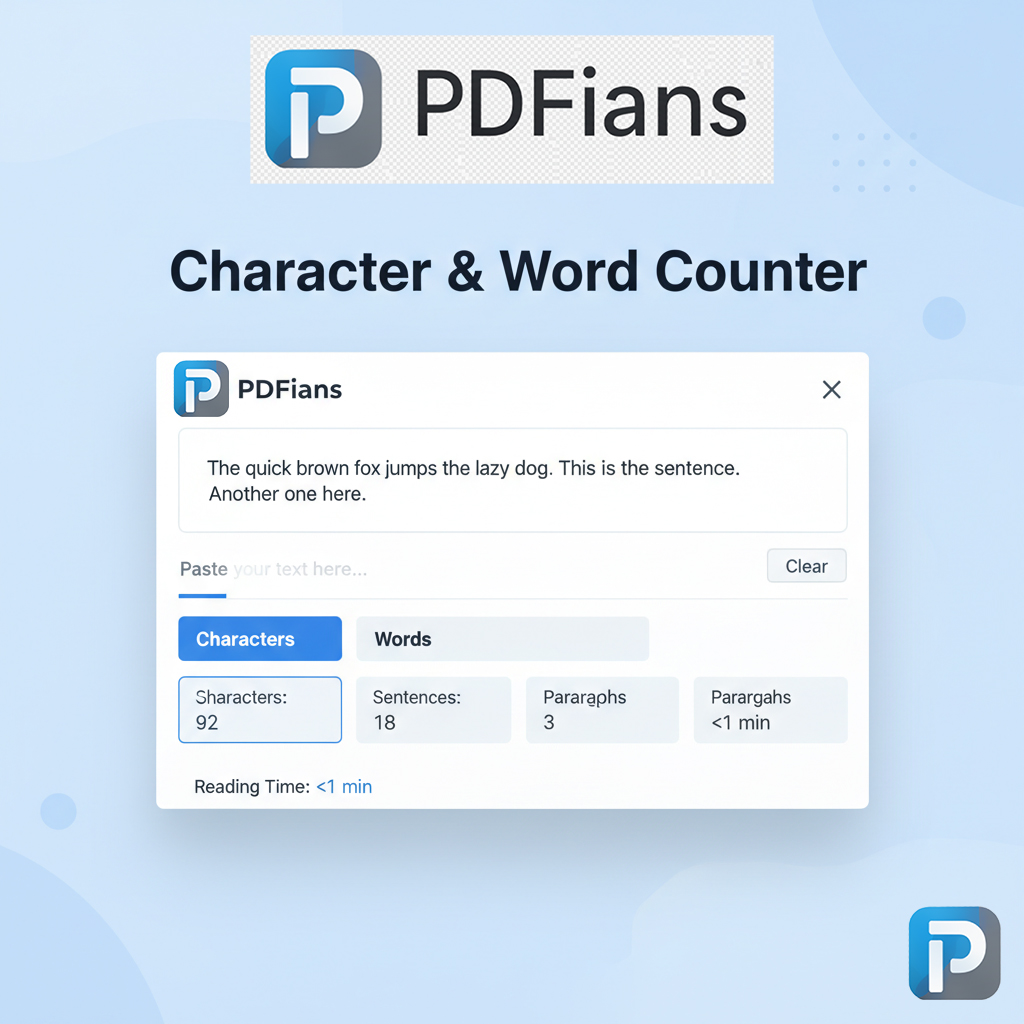
At its core, the PDFians Character & Word Counter is designed for simplicity and accuracy. The tool provides a clean, intuitive interface where you can paste your text and instantly receive detailed statistics. No complex software downloads, no registration required – just a straightforward solution available right in your web browser. This online accessibility means you can use it anytime, anywhere, across various devices.
Key Features of Our Character and Word Counter
The Character & Word Counter on PDFians boasts several features that set it apart. Firstly, it offers a real-time count, updating immediately as you type or paste text. This dynamic feedback is incredibly useful for drafting content on the fly. Secondly, it differentiates between characters with and without spaces, a crucial distinction for platforms that count both. Furthermore, the tool also provides a word count, a sentence count, and even an estimated reading time, offering a comprehensive analytical view of your text. For instance, when composing a new article, knowing the reading time helps you gauge audience engagement.
Who Benefits from a Reliable Character and Word Counter?
Virtually anyone who interacts with written text can benefit from this free online Character & Word Counter. Students, for example, can ensure their assignments meet strict length requirements, avoiding penalties. Writers, from bloggers to novelists, can easily track their progress towards word count goals for chapters or articles. Professionals in marketing, HR, or legal fields often face document length restrictions, making this tool invaluable for crafting precise communications. Even social media managers can quickly verify their posts fit within platform limits.
How to Effectively Use the Character & Word Counter
Using the PDFians Character & Word Counter is remarkably straightforward. First, navigate to the tool page on PDFians. Then, simply copy the text you wish to analyze from your document, email, or web page. Next, paste this text directly into the designated input area on the tool. Instantly, you will see a detailed breakdown of your character count (with and without spaces), word count, and other relevant metrics. You can also type directly into the box, and the counts will update in real-time. This ease of use ensures a smooth workflow, saving precious time.
Maximizing Efficiency with the Online Character Counter
To truly maximize your efficiency, integrate the Character & Word Counter into your regular writing routine. Before finalizing any piece of text for submission or publication, give it a quick run through our tool. This habit will help you catch any length discrepancies early on. Furthermore, for longer documents, you can copy and paste sections individually to manage your progress more granularly. Consider using this tool in conjunction with our other helpful utilities, such as the PDF to Word Converter for editing PDF content or the Merge PDF tool for combining documents.
Understanding Character vs. Word Counts
A common point of confusion revolves around character counts versus word counts. A character count includes every letter, number, symbol, and space. Conversely, a word count typically tallies groups of letters separated by spaces. Some platforms emphasize one over the other; for example, Twitter traditionally focused on character limits, while academic papers often prioritize word limits. Our Character & Word Counter provides both, giving you the flexibility to meet diverse requirements. Knowing this distinction is essential for precision.
Advanced Tips for Using the PDFians Character & Word Counter
While the basic functionality is simple, there are advanced ways to leverage the Character & Word Counter. For authors targeting specific readability scores, understanding sentence length and word complexity, which can be inferred from the counts, is beneficial. Moreover, when preparing content for SEO purposes, this tool helps ensure your meta descriptions and titles fit within search engine limits, which is vital for visibility. For example, Google often truncates meta descriptions beyond a certain character count.
Integrating the Tool into Your Workflow
Integrating this Character & Word Counter seamlessly into your daily workflow is key. Keep the PDFians tool page bookmarked for quick access. Before sending out emails, drafting social media updates, or even writing commit messages in programming, a quick check can prevent errors and ensure compliance. This small habit can lead to significant improvements in the quality and professionalism of your written communications. Indeed, a well-managed text often leaves a better impression.
Overcoming Common Word Count Challenges
Many writers struggle with hitting exact word counts – either falling short or exceeding them. The Character & Word Counter provides immediate feedback, allowing you to adjust your text accordingly. If you’re under, you know to elaborate on certain points or add more examples. If you’re over, you can efficiently identify areas for conciseness or redundant phrasing. This iterative process of counting and refining is greatly facilitated by the instant feedback of our tool. After all, every word counts!
The Importance of the Free Character & Word Counter in Education and Professional Settings
In educational environments, students often face stringent assignment guidelines. From essay minimums to abstract character limits, meeting these criteria is crucial for grades. The PDFians Character & Word Counter serves as an academic lifeline, helping students manage their submissions effectively. Similarly, in professional contexts, whether it’s legal documents, marketing copy, or technical specifications, adhering to length constraints is often a non-negotiable requirement. This free online character and word counter provides a reliable solution.
Enhancing Writing Quality with Word Count Awareness
Beyond mere compliance, being aware of your word and character counts can actually enhance the quality of your writing. It encourages conciseness when limits are tight and thoroughness when more detail is needed. This conscious effort to tailor your text length often leads to clearer, more impactful communication. As a result, your audience receives a well-structured and appropriately detailed message. This is where a reliable Character & Word Counter truly shines.
FAQs about the PDFians Character & Word Counter
Have questions about our Character & Word Counter? We’ve compiled some common inquiries to provide quick answers.
Q1: Is the Character & Word Counter completely free to use?
A1: Yes, absolutely! The PDFians Character & Word Counter is a completely free online tool, with no hidden costs or subscriptions required. You can use it as often as you like.
Q2: Does the tool count characters with and without spaces?
A2: Yes, our tool provides separate counts for characters with spaces and characters without spaces, offering comprehensive data for all your needs.
Q3: Can I use this tool on my mobile device?
A3: Certainly! The PDFians Character & Word Counter is web-based and fully responsive, meaning you can access and use it seamlessly on any mobile phone, tablet, or desktop computer.
Q4: Does the Character & Word Counter work with all languages?
A4: Yes, the tool is designed to accurately count characters and words across a wide range of languages, making it a versatile international resource.
Q5: Is there a limit to how much text I can paste into the counter?
A5: While there isn’t a strict technical limit, for optimal performance and user experience, we recommend processing very large documents in smaller sections, especially those exceeding several thousand words.
Q6: How does the estimated reading time feature work?
A6: The estimated reading time is calculated based on an average reading speed, typically around 200-250 words per minute. It offers a useful approximation for content planning.
Q7: Can I save my counted text or results?
A7: The tool itself does not store your text or results. You would need to copy and paste the results into your own document if you wish to save them. Your privacy is important to us, so no text is stored on our servers.
Q8: Does the counter distinguish between different types of characters (e.g., letters, numbers, symbols)?
A8: The primary character count includes all visible characters. While it doesn’t break down counts by character type, it provides the total number of characters, which is usually the required metric.
Conclusion: Your Go-To Character & Word Counter
In conclusion, the Character & Word Counter by PDFians is an indispensable online utility designed to bring precision and ease to your writing tasks. Its intuitive design, real-time accuracy, and comprehensive metrics make it an essential resource for students, writers, and professionals alike. By offering a free, accessible solution for managing text length, PDFians empowers you to communicate effectively and meet all your content requirements with confidence. Bookmark it today and make text management a breeze.