

Grade Calculator
Calculate your weighted course grade
Course Components
Grade Components
| Component | Weight % | Grade % | Action |
|---|---|---|---|
| Total | 100% | - |
Grade Results
Grade Scale
Grade Breakdown
Component Details
| Component | Weight | Grade | Contribution | Letter Grade |
|---|
About Weighted Grade Calculation
Weighted grading systems assign different values to various components of a course based on their importance. Understanding how these weights affect your overall grade is essential for academic success.
Calculation Formula:
Overall Grade = Σ(Component Weight × Component Grade) / Total Weight
Example Calculation:
If you have:
- Assignments: Weight 30%, Grade 85%
- Exams: Weight 50%, Grade 78%
- Project: Weight 20%, Grade 92%
Your overall grade would be: (0.30 × 85) + (0.50 × 78) + (0.20 × 92) = 25.5 + 39 + 18.4 = 82.9%
Common Grading Components:
- Assignments: Typically 10-30% of total grade
- Quizzes: Usually 10-20% of total grade
- Exams/Midterms: Often 20-40% of total grade
- Final Exam: Frequently 20-40% of total grade
- Projects: Can range from 15-40% of total grade
- Participation: Generally 5-15% of total grade
Tips for Academic Success:
- Understand the weighting: Focus your efforts on components with higher weights
- Track your grades: Regularly update your grade calculations
- Set goals: Determine what grades you need on remaining assignments
- Seek help early: If you're struggling, get assistance before it's too late
- Balance your time: Allocate study time according to component weights
Using this calculator can help you stay on top of your academic performance and make informed decisions about where to focus your study efforts.
Add Your Heading Text Here
Master Your Grades with the PDFians Grade Calculator
Understanding your academic performance is crucial for success. Whether you’re aiming for a perfect GPA, trying to pass a challenging course, or simply curious about your current standing, a reliable grade calculator can be an invaluable tool. Here at PDFians, we offer a user-friendly and highly accurate grade calculator designed to simplify your academic life. This comprehensive guide will walk you through everything you need to know about effectively managing your grades and leveraging our tool.
Why Use a Grade Calculator?
A grade calculator provides numerous benefits for students at all levels. First and foremost, it offers clarity regarding your academic progress. Instead of guessing or manually tallying scores, you can input your assignments, quizzes, and exam results to get an instant and accurate overview of your performance. Furthermore, it empowers you to make informed decisions about your study habits and allocation of effort. Moreover, it allows for strategic planning, helping you determine how well you need to perform on upcoming assessments to achieve a desired overall grade. This proactive approach can significantly reduce stress and improve your chances of academic success.
How Our Grade Calculator Works
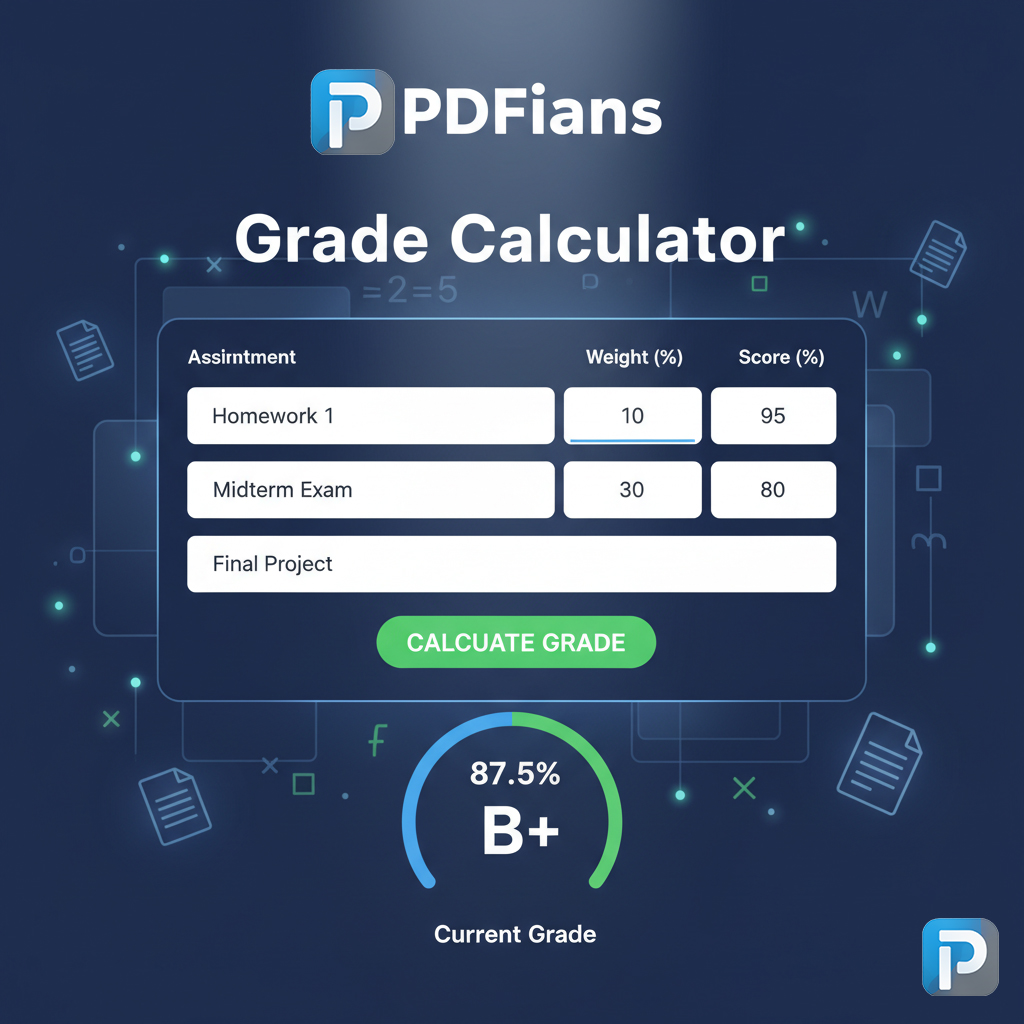
Our PDFians grade calculator is designed for simplicity and efficiency. It operates by taking into account the weight of each assignment or component of your course and applying your scores to those weights. For example, if your midterm exam is worth 30% of your final grade and you scored an 85%, the calculator processes this information accordingly. You input the name of the assignment, its total possible points or percentage weight, and your earned score. Then, the calculator instantly displays your current overall grade. It’s a straightforward process that yields powerful insights into your academic standing. This seamless functionality ensures you spend less time calculating and more time learning.
Essential Grade Calculation Terminology
Before diving deeper into using our grade calculator, it’s helpful to understand some fundamental terms. “Weighted grades” refer to when different assignments contribute unequally to your final grade. For instance, a final exam might be weighted more heavily than a homework assignment. “Unweighted grades,” conversely, mean all assignments contribute equally. “GPA” stands for Grade Point Average, a numerical representation of your overall academic performance, usually calculated on a 4.0 scale. Understanding these terms will enable you to input information accurately and interpret your results effectively. Additionally, knowing these definitions helps in discussions with instructors about grading policies.
Predicting Your Future Grades with Confidence
One of the most powerful features of our grade calculator is its ability to predict future outcomes. You can input hypothetical scores for upcoming assignments, quizzes, and exams to see how they impact your overall grade. This “what-if” scenario planning is incredibly useful for setting realistic goals and understanding what it takes to achieve a particular final grade. For instance, if you want to achieve an A in a course, you can adjust your potential scores for remaining assignments until the calculator shows you’ve reached that goal. This foresight helps you prioritize your studies and allocate your efforts strategically. Furthermore, it can motivate you to push for those higher scores.
Optimizing Your Study Habits with Grade Insights
Using our grade calculator isn’t just about crunching numbers; it’s about gaining insights that can transform your study habits. By regularly tracking your grades, you can identify patterns in your performance. Perhaps you consistently score lower on multiple-choice tests but excel in essays. This information can help you adjust your study strategies, focusing more on areas where you struggle. Furthermore, seeing the direct impact of each assignment on your overall grade can motivate you to put in extra effort, especially on high-stakes assessments. Consequently, proactive grade management leads to more effective and targeted studying.
Beyond the Basics: Advanced Grade Calculation Strategies
While our grade calculator is intuitive, understanding some advanced strategies can further enhance its utility. Consider using it to set incremental goals. Instead of just aiming for a final grade, break it down into smaller, achievable targets for each major assignment. Another strategy involves tracking your progress over time, noting improvements or areas that need more attention. Moreover, some students find it beneficial to create a “target grade” scenario where they consistently aim for slightly higher scores than minimally required. This creates a buffer, ensuring that a single lower-than-expected score doesn’t derail their overall goal. Therefore, the grade calculator becomes a dynamic planning tool.
The Importance of Accurate Grade Entry
Accuracy is paramount when using any grade calculator. Incorrectly entering scores or assignment weights will lead to skewed results, providing a false sense of your academic standing. Always double-check the values you input against your syllabus or official grade reports. If you’re unsure about the weight of a particular assignment, consult your instructor or course syllabus. Taking a few extra moments to ensure accuracy can save you from future surprises and help you maintain a precise understanding of your academic progress. Remember, the reliability of the output directly depends on the accuracy of the input.
PDFians: Your Partner in Academic Success
At PDFians, we are committed to providing tools that empower students. Our grade calculator is just one example of how we strive to simplify complex academic tasks. We believe that by giving you clear, accessible information about your grades, we can help you navigate your educational journey with greater confidence and control. Furthermore, our platform offers a variety of other useful tools designed to assist you with document management, conversions, and more, making PDFians a comprehensive resource for students. Visit our website for more information on our other helpful resources.

Beyond the Basics: Advanced Grade Calculation Strategies
While our grade calculator is intuitive, understanding some advanced strategies can further enhance its utility. Consider using it to set incremental goals. Instead of just aiming for a final grade, break it down into smaller, achievable targets for each major assignment. Another strategy involves tracking your progress over time, noting improvements or areas that need more attention. Moreover, some students find it beneficial to create a “target grade” scenario where they consistently aim for slightly higher scores than minimally required. This creates a buffer, ensuring that a single lower-than-expected score doesn’t derail their overall goal. Therefore, the grade calculator becomes a dynamic planning tool.
The Importance of Accurate Grade Entry
Accuracy is paramount when using any grade calculator. Incorrectly entering scores or assignment weights will lead to skewed results, providing a false sense of your academic standing. Always double-check the values you input against your syllabus or official grade reports. If you’re unsure about the weight of a particular assignment, consult your instructor or course syllabus. Taking a few extra moments to ensure accuracy can save you from future surprises and help you maintain a precise understanding of your academic progress. Remember, the reliability of the output directly depends on the accuracy of the input.
PDFians: Your Partner in Academic Success
At PDFians, we are committed to providing tools that empower students. Our grade calculator is just one example of how we strive to simplify complex academic tasks. We believe that by giving you clear, accessible information about your grades, we can help you navigate your educational journey with greater confidence and control. Furthermore, our platform offers a variety of other useful tools designed to assist you with document management, conversions, and more, making PDFians a comprehensive resource for students. Visit our website for more information on our other helpful resources.
Frequently Asked Questions about Grade Calculation
Q1: What exactly is a weighted grade system?
A: A weighted grade system assigns different importance (or “weight”) to various assignments, exams, or projects. For example, a final exam might be worth 40% of your grade, while homework is only 20%. Our grade calculator handles weighted systems efficiently.
Q2: Can the PDFians Grade Calculator help me calculate my GPA?
A: While our tool primarily focuses on individual course grades, understanding your final grade in each course is the first step towards calculating your overall GPA. You can use the final grades from our grade calculator to then determine your GPA using a separate GPA calculator tool.
Q3: How often should I use the grade calculator?
A: We recommend using the grade calculator regularly, perhaps after each major assignment or when new scores are released. This consistent tracking helps you stay informed and make timely adjustments to your study plan.
Q4: Is the PDFians Grade Calculator free to use?
A: Yes, our grade calculator is completely free to use! We are dedicated to providing valuable resources to students without any cost.
Q5: What if my course uses a different grading scale?
A: Our grade calculator is flexible. You typically input raw scores or percentages, and it can help you understand your standing regardless of the specific letter grade equivalencies your institution uses. If you have specific needs, check your syllabus for details.
Q6: Can I save my calculations on PDFians?
A: Currently, the PDFians grade calculator is designed for real-time calculations. You can always bookmark the page and re-enter your details as needed. However, we are always working on improving our tools and features.