

HTML Entity Encoder/Decoder
Encode and decode HTML entities with our free online tool
About HTML Entities
HTML entities are used to display reserved characters in HTML. For example, to display a less than sign (<) we need to write: < or <.
Features
Encode/Decode
Convert between text and HTML entities in both directions with a single click.
Multiple Formats
Support for named entities, decimal, and hexadecimal encoding formats.
Live Update
See changes in real-time as you type with the live update feature.
Unlock Web Content -The Ultimate HTML Entity Encoder Decoder on PDFians
Are you a web developer, content creator, or simply someone who deals with HTML? If so, you’ve likely encountered the complexities of special characters within your code. From ampersands to angle brackets, these characters can wreak havoc on your website’s display if not handled properly. Fortunately, the solution is at hand! PDFians proudly presents its free and efficient HTML Entity Encoder Decoder tool, designed to streamline your workflow and ensure your web content renders flawlessly.
Understanding HTML Entities: Why They Matter
HTML entities are special codes used to display characters that have a reserved meaning in HTML, or characters that are not easily typed with a standard keyboard. For instance, the less-than sign (<) is a fundamental part of HTML tags. If you want to display it as text on your webpage, simply typing < will confuse the browser, as it will interpret it as the start of a tag. This is where HTML encoding comes into play. By converting < to < (its HTML entity), you tell the browser to display the less-than sign as a character, not as a command.
Similarly, encoding is crucial for security. Imagine a user submitting content through a form that contains malicious script tags. If this content is displayed directly on your page without proper encoding, it could lead to cross-site scripting (XSS) vulnerabilities. Encoding user-generated content is a fundamental security practice. Conversely, decoding HTML entities is just as important when you need to retrieve the original characters for processing or display in contexts other than HTML. Understanding these nuances is pivotal for robust web development.
The Power of PDFians’ HTML Entity Encoder Decoder
Our dedicated HTML Entity Encoder Decoder tool provides a straightforward and intuitive interface for handling all your HTML entity conversion needs. This powerful utility eliminates the manual, error-prone process of looking up and replacing individual entities. Whether you’re preparing text for a database, cleaning up user input, or simply ensuring your code is compliant, our tool is your go-to resource.
It supports a vast array of standard HTML entities, including those for common symbols, accented characters, and reserved HTML characters. The process is remarkably simple: paste your text, choose whether to encode or decode, and instantly receive your converted output. This not only saves you valuable time but also significantly reduces the chance of errors, ensuring your web projects are robust and visually appealing. For more information on HTML standards, you might find resources like W3C useful.
Encoding HTML Entities: Protecting Your Web Content
Encoding is the process of converting characters that have special meaning in HTML (like <, >, &, “, ‘) into their corresponding HTML entity representations. This is vital for several reasons. Primarily, it prevents browsers from misinterpreting text as part of the HTML structure. For instance, if you want to write a technical article about HTML tags, you’ll need to encode the actual tag characters so they appear as text, not as functional HTML elements.
Furthermore, HTML entity encoding is a cornerstone of web security. When user-submitted data contains potentially harmful scripts or markup, encoding those characters neutralizes their threat. This prevents common web vulnerabilities like XSS attacks, where attackers inject client-side scripts into web pages viewed by other users. Using a reliable HTML Entity Encoder Decoder like ours helps you maintain a secure and functional website.
Decoding HTML Entities: Restoring Original Characters
On the flip side, decoding HTML entities involves converting the entity representations back into their original characters. This is frequently necessary when you retrieve data from a database or an API that has already been HTML encoded. For example, if a stored string reads <p>Hello World!</p>, decoding it will yield <p>Hello World!</p>.
Decoding is essential for displaying content correctly outside of an HTML context, such as in a plain text editor, a different programming environment, or when parsing data for specific applications. It ensures that the content is presented in its human-readable form, without the technical clutter of entity codes. The PDFians HTML Entity Encoder Decoder makes this process effortless, providing instant and accurate conversions.

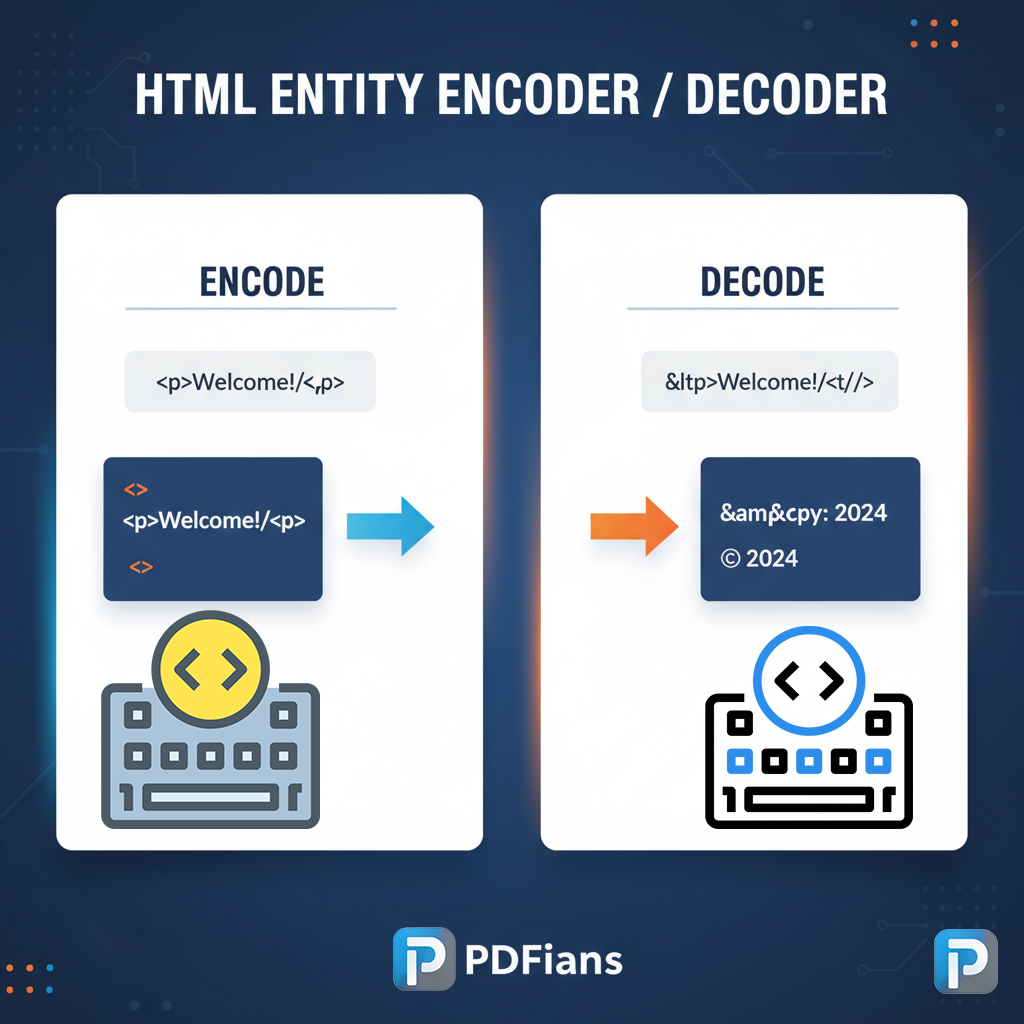
How to Use the HTML Entity Encoder Decoder on PDFians
Utilizing our HTML Entity Encoder Decoder is incredibly straightforward, designed with user experience in mind. Here’s a quick guide to help you get started:
Navigate to the Tool: Visit the HTML Entity Encoder Decoder page on PDFians.
Paste Your Content: In the input text area, paste the HTML code, text, or string you wish to process.
Choose Your Action: Select either “Encode” or “Decode” based on your requirement.
Get Your Output: The converted text will instantly appear in the output text area. You can then copy it for your use.
This intuitive process ensures that even those new to web development can effectively use the tool without any hassle. The speed and accuracy of the HTML
Entity Encoder Decoder tool will quickly become an indispensable part of your daily toolkit, making your web development tasks smoother and more efficient.
Key Benefits of Using PDFians’ HTML Entity Encoder Decoder
Our HTML Entity Encoder Decoder offers numerous advantages that make it an indispensable tool for anyone working with web content:
Accuracy: Eliminate manual errors and ensure precise conversion of all HTML entities.
Speed: Get instant results, saving valuable development time.
Ease of Use: An intuitive interface means no steep learning curve; just paste, click, and convert.
Security Enhancement: Effectively neutralize potential XSS vulnerabilities by encoding user input.
Improved Readability: Decode entities to reveal the original, human-readable characters for easier comprehension and processing.
Free Access: Enjoy unlimited access to this powerful tool without any cost.
By leveraging the PDFians HTML Entity Encoder Decoder, you’re not just converting text; you’re enhancing the security, integrity, and readability of your web projects. This versatile tool is a testament to our commitment to providing valuable resources for the web community.
Expanding Your Toolset: More from PDFians
PDFians is dedicated to offering a comprehensive suite of online tools to simplify various digital tasks. While our HTML Entity Encoder Decoder excels at handling web character conversions, we also provide a range of other utilities that might be of interest to you. For document-related needs, exploring our various PDF tools, such as the PDF to Word converter or our PDF merger, can significantly boost your productivity. We continually strive to expand our offerings and improve existing tools based on user feedback and evolving technological landscapes. Check out our main tools page for a complete overview of what PDFians has to offer.
Frequently Asked Questions (Q&A)
Q1: What is an HTML entity?
A1: An HTML entity is a piece of text (string) that begins with an ampersand (&) and ends with a semicolon (;). It’s used in HTML to represent special characters that either have a reserved meaning (like < or >) or are not easily typed (like ©).
Q2: Why do I need to encode HTML entities?
A2: You need to encode HTML entities primarily for two reasons:
Preventing Browser Misinterpretation: To display characters like < or > as actual text on a webpage, rather than having the browser interpret them as HTML tags.
Security: To neutralize potentially malicious scripts or markup (e.g., in user-submitted content) that could lead to cross-site scripting (XSS) attacks if rendered directly.
Q3: When should I decode HTML entities?
A3: You should decode HTML entities when you need to convert encoded text back into its original characters. This is often necessary when:
Retrieving data from a database or API that stores content with HTML entities.
Displaying content outside of an HTML context, such as in a plain text editor or for further processing in a non-HTML environment.
Q4: Is the PDFians HTML Entity Encoder Decoder free to use?
A4: Yes, absolutely! The PDFians HTML Entity Encoder Decoder is completely free to use, without any hidden costs or limitations.
Q5: Can this tool handle all types of HTML entities?
A5: Our HTML Entity Encoder Decoder tool is designed to handle a wide range of standard HTML entities, including numeric, named, and character entities for common symbols, reserved characters, and international characters.
Q6: How does HTML entity encoding help with website security?
A6: HTML entity encoding helps with website security by converting characters that could be part of a malicious script (e.g., <script>) into their safe, non-executable entity forms (e.g., <script>). This prevents browsers from running the script, thereby mitigating risks like XSS attacks.