

Image Color Picker
Extract colors from your images. Click on any part of the image to get the color code.
Drag & drop your image here
or
Supports JPEG, PNG, WEBP, GIF, and SVG
Click on the image to pick colors
Color Information
Color Palette
Click on any color to select it
How to use the Image Color Picker
Upload Image
Drag & drop your image or paste a URL to load it into the tool.
Pick Colors
Click anywhere on the image to pick colors from that area.
Copy Codes
Copy the color codes in HEX, RGB, or HSL format for your projects.
About Color Picking
Color picking from images is a valuable technique for designers, developers, and artists who want to extract color inspiration from photographs, designs, or any visual content.
This tool is useful for:
- Creating color schemes from inspirational images
- Matching colors from photographs for design projects
- Extracting brand colors from logos and marketing materials
- Web development and CSS color selection
- Digital art and graphic design projects
Note: The color accuracy depends on your screen calibration and the image quality. For precise color matching, consider using professional color calibration tools.
Image Color Picker Online-Extract Colors Effortlessly with PDFians
Are you a designer, web developer, or simply someone who needs to identify a specific color from an image? Finding the exact color codes can be a tedious task without the right tool. Fortunately, PDFians offers a robust and user-friendly Image Color Picker that simplifies this process significantly. This online tool allows you to accurately extract color information, including HEX, RGB, and HSL values, from any image with just a few clicks.
What is an Image Color Picker?
An image color picker, sometimes referred to as a color extractor or eyedropper tool, is a utility designed to identify and provide the numerical values of a color from a digital image. Essentially, it acts like a digital magnifying glass for colors, allowing you to pinpoint a precise shade and retrieve its corresponding color codes. Designers frequently use these tools to maintain brand consistency, match colors across different elements, or simply to get inspiration from existing visuals. Understanding the different color models like RGB, HEX, and HSL is also beneficial for anyone working with digital colors. For more information on color theory, you might want to check out resources like Adobe’s guide to color.
Why You Need an Online Color Picker Tool
In today’s fast-paced digital world, efficiency is key. An online Image Color Picker offers unparalleled convenience compared to desktop software. There’s no need to download or install anything; you can access it directly from your web browser, regardless of your operating system. This makes it incredibly useful for quick tasks, collaborative projects, and when working on different devices. Many users, from graphic designers to marketing professionals, benefit from having such a readily available resource.
How to Use the PDFians Image Color Picker
Using the PDFians Image Color Picker is incredibly straightforward. You don’t need any prior technical expertise to get started. Here’s a simple step-by-step guide to help you extract colors from your images:
First, navigate to the Image Color Picker tool page on PDFians. Once there, you’ll notice a clear and intuitive interface. You can either drag and drop your image file directly into the designated area or click the “Upload Image” button to select a file from your computer. The tool supports various image formats, ensuring broad compatibility for your needs.
Once your image is loaded, simply move your mouse cursor over any part of the image. As you hover, a magnified view will appear, allowing you to precisely select the desired pixel. A small box will also display the real-time HEX, RGB, and HSL values of the color under your cursor. To lock in a color, just click on it. The selected color’s information will then be displayed prominently, ready for you to copy and use in your projects. Our internal link to our other image editing tools, like our image resizer, could be helpful if you need to adjust your image before picking colors.

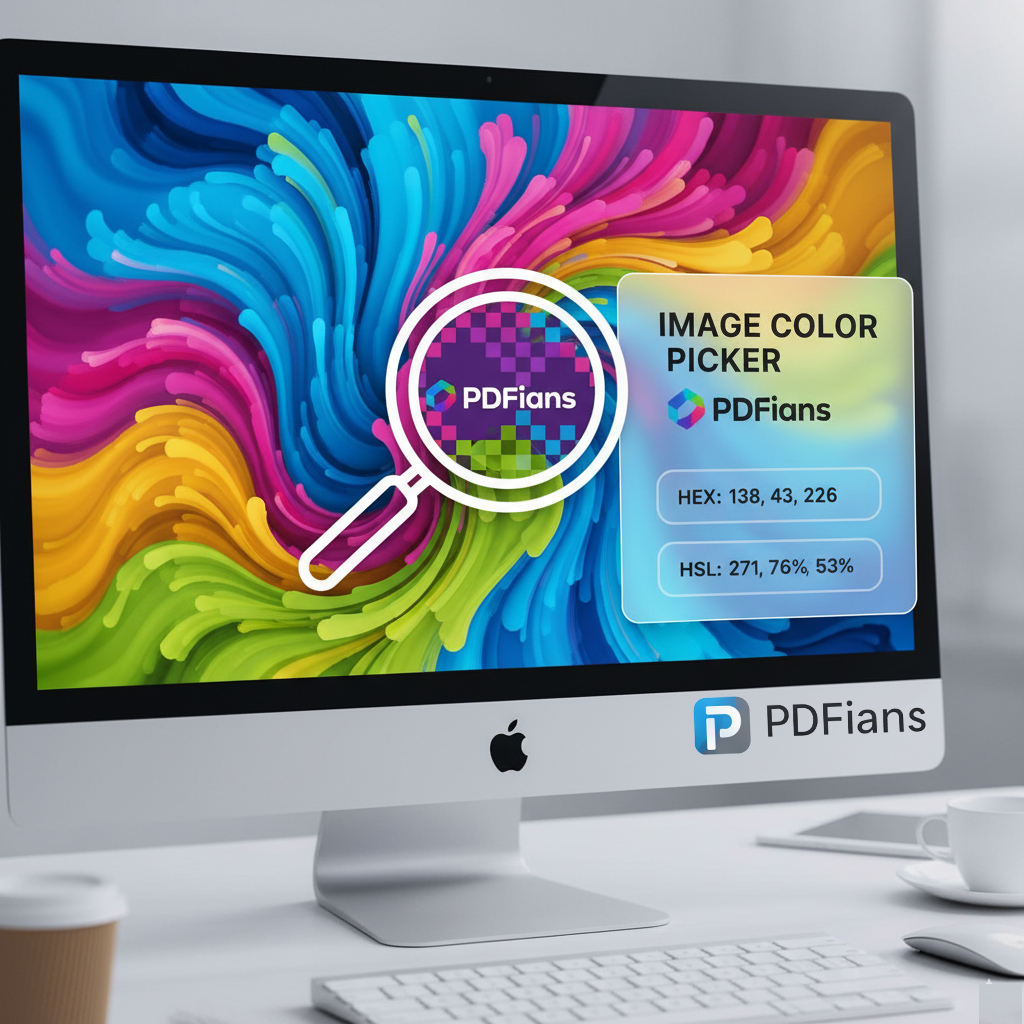
Key Features of Our Free Image Color Picker
The PDFians Image Color Picker is packed with features designed to make your color extraction process as smooth and accurate as possible. It’s entirely free to use, meaning you can access professional-grade color identification without any subscription fees or hidden costs. This commitment to providing free, high-quality tools is at the core of PDFians’ mission.
Furthermore, our tool supports a wide range of image formats, including JPEG, PNG, and GIF, ensuring that almost any image you have can be processed. The instant display of HEX, RGB, and HSL values is another significant advantage, giving you all the necessary color codes for various applications, whether it’s for web design, print, or digital art. The magnified pixel view further enhances accuracy, allowing you to pick even the most subtle shades.
Benefits for Designers and Developers
For graphic designers, maintaining brand consistency across different visual elements is paramount. An accurate Image Color Picker helps ensure that logos, website elements, and marketing materials all adhere to the correct brand palette. This consistency builds trust and strengthens brand recognition.
Web developers also find immense value in this tool. When working on website designs, they often need to match colors from mockups or existing branding guidelines. Quickly getting HEX or RGB values can significantly speed up the coding process. Moreover, understanding HSL can be useful for adjusting color saturation and lightness in CSS. For further web development resources, W3Schools offers comprehensive guides on CSS and colors.
Enhancing Your Workflow with Precise Color Identification
The ability to quickly identify and retrieve exact color codes from an image can drastically improve your workflow. Instead of guessing or manually trying to match colors, which can lead to inconsistencies, the Image Color Picker provides precise data. This accuracy is crucial for professional results in any design or development project.
Moreover, if you’re ever inspired by a particular color scheme you see in an image, our tool enables you to extract those colors instantly. This fosters creativity and allows you to incorporate new ideas into your work efficiently. Think of it as a bridge between visual inspiration and practical application.
The Importance of Color in Digital Design
Color plays a vital role in evoking emotions, conveying messages, and creating visual appeal. In digital design, the right color choices can make a significant difference in user experience and engagement. Therefore, having a reliable Image Color Picker is not just a convenience; it’s an essential tool for crafting effective and aesthetically pleasing digital content.
Consider how different colors impact mood and perception. Blues often convey trustworthiness, while reds can signify urgency or passion. Being able to accurately replicate these colors from existing sources ensures that your designs communicate exactly what you intend. Our PDF editor is another tool on PDFians that emphasizes precision, just like our color picker.
Frequently Asked Questions about Image Color Pickers
Q: What color formats does the PDFians Image Color Picker provide?
A: Our tool provides HEX (Hexadecimal), RGB (Red, Green, Blue), and HSL (Hue, Saturation, Lightness) values for every color you pick.
Q: Is the Image Color Picker tool on PDFians free to use?
A: Yes, absolutely! The PDFians Image Color Picker is completely free to use, with no hidden costs or subscriptions required.
Q: Do I need to install any software to use this tool?
A: No, you don’t. Our Image Color Picker is an online web tool, meaning you can access and use it directly from your browser without any installations.
Q: What image file types are supported by the color picker?
A: The tool supports popular image formats such as JPEG, PNG, GIF, and many others, ensuring broad compatibility.
Q: Can I use this tool on my mobile device?
A: Yes, the PDFians Image Color Picker is designed to be responsive and works seamlessly across various devices, including desktops, tablets, and smartphones.
Q: How accurate is the color picking?
A: Our tool offers a magnified pixel view, allowing for highly accurate color selection down to the individual pixel.
Conclusion
The PDFians Image Color Picker is an indispensable online utility for anyone working with digital images and colors. Its ease of use, comprehensive features, and free accessibility make it a top choice for designers, developers, and everyday users alike. By offering precise HEX, RGB, and HSL values, it empowers you to achieve color consistency, enhance your creative workflow, and ultimately produce more professional and visually appealing content. Try out the PDFians Image Color Picker today and experience the simplicity of accurate color extraction!